
Overview
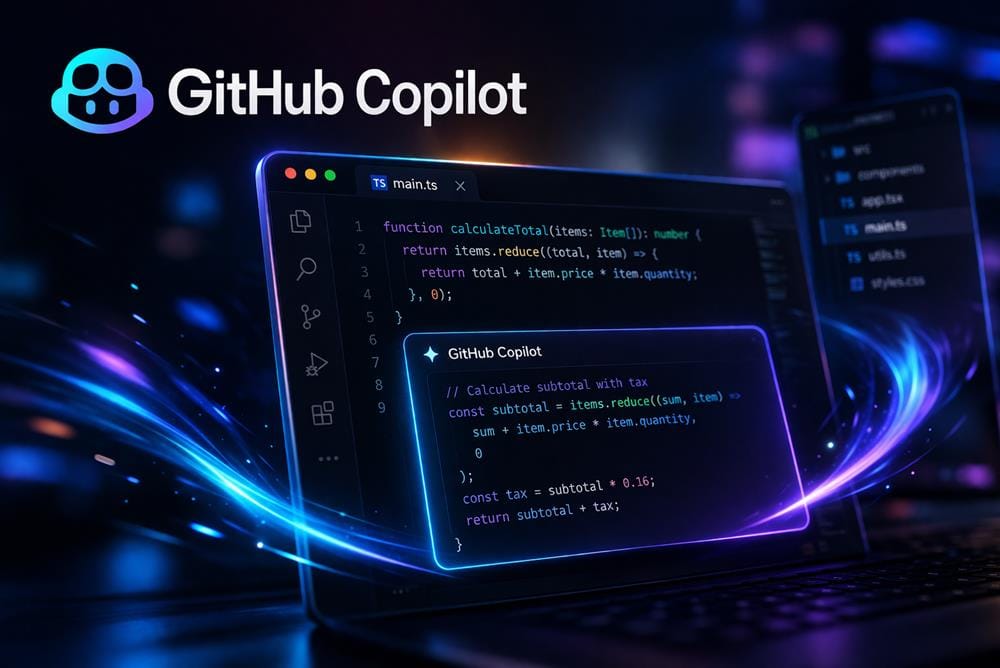
GitHub Copilot is an AI coding assistant designed to help developers write, understand, and modify code directly within their development environment. Integrated into popular IDEs such as Visual Studio Code and others, the tool provides real-time suggestions and support during the coding process.
The platform focuses on improving developer productivity by reducing repetitive work and accelerating common programming tasks. Instead of switching between documentation, search engines, and code editors, users can receive suggestions and explanations inline while they work. This makes it particularly useful for maintaining flow during development.
One of the core strengths of the assistant is its ability to generate code completions based on context. As developers write code, it suggests full lines or blocks that match the intent of the current task. This can help speed up implementation, especially for boilerplate code or familiar patterns.
In addition to code generation, the tool includes conversational features through Copilot Chat. Developers can ask questions about code, request explanations, or get help with debugging directly inside the IDE. This adds a layer of interactivity that goes beyond simple autocomplete.
The platform also supports code understanding and editing. Users can highlight sections of code and ask the assistant to explain what it does, refactor it, or suggest improvements. This can be useful for reviewing unfamiliar code or improving readability.
Because it is embedded into the development workflow, the assistant becomes part of the coding process rather than a separate tool. This integration helps reduce friction and allows developers to use AI assistance without leaving their environment.
However, the generated suggestions should be reviewed carefully. While the assistant can produce useful code, it may not always align with project-specific requirements, best practices, or security considerations. Developers still need to validate outputs and maintain control over their codebase.
Overall, GitHub Copilot positions itself as a practical coding assistant that enhances development workflows by providing real-time suggestions, explanations, and interactive support within the IDE.
Key Features
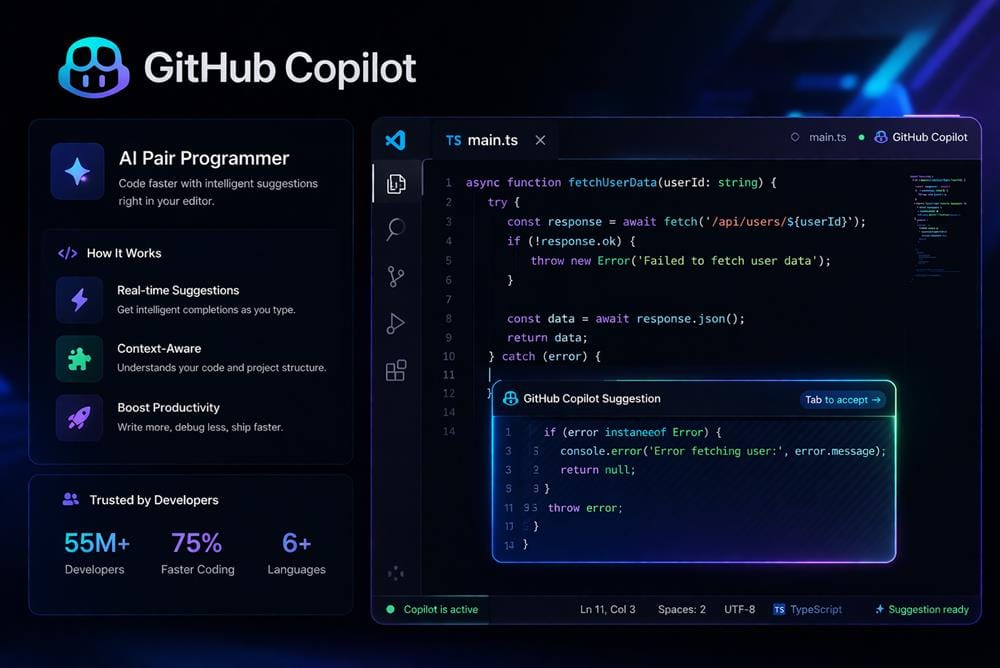
- Inline code completions – Generate code suggestions in real time based on context inside the editor.
- Copilot Chat – Ask questions, debug issues, and explore solutions through a conversational interface.
- Code explanations and edits – Understand, refactor, and improve code directly inside the workflow.
- IDE integration – Works inside popular development environments for seamless use.
Pricing
The platform follows a freemium model, with free access available for certain users (such as students or open-source contributors) and paid plans offering full access to features and usage.
A free plan is available for eligible users, while others can access the tool through subscription tiers.
Who Should Use This Tool
GitHub Copilot is best suited for users who write code regularly and want to improve efficiency within their development workflow.
Professional developers are one of the primary audiences. They can use the assistant to speed up coding tasks, reduce repetitive work, and explore alternative implementations.
Engineering teams may benefit from using the tool to improve productivity across projects. It can help standardize workflows and reduce time spent on routine coding tasks.
Students and learners can use the platform to understand programming concepts, explore examples, and receive explanations for unfamiliar code. It can support learning alongside formal education.
Backend and frontend developers may find the assistant useful for generating common patterns, handling API integrations, or building UI components more quickly.
Freelancers and independent developers can use the tool to accelerate project delivery and reduce time spent on boilerplate code.
However, users who are new to programming should be cautious about relying too heavily on generated code without understanding it. The tool is most effective when used alongside solid programming knowledge.
Overall, the platform is most valuable for users who want to enhance their coding workflow with real-time assistance.
Final Verdict
GitHub Copilot performs well as an integrated coding assistant that helps developers write, understand, and refine code more efficiently. Its real-time suggestions, conversational support, and seamless IDE integration make it a practical addition to modern development workflows.
Developers, engineering teams, and students who want to speed up coding tasks and improve productivity are the users most likely to benefit from this tool.