
Overview
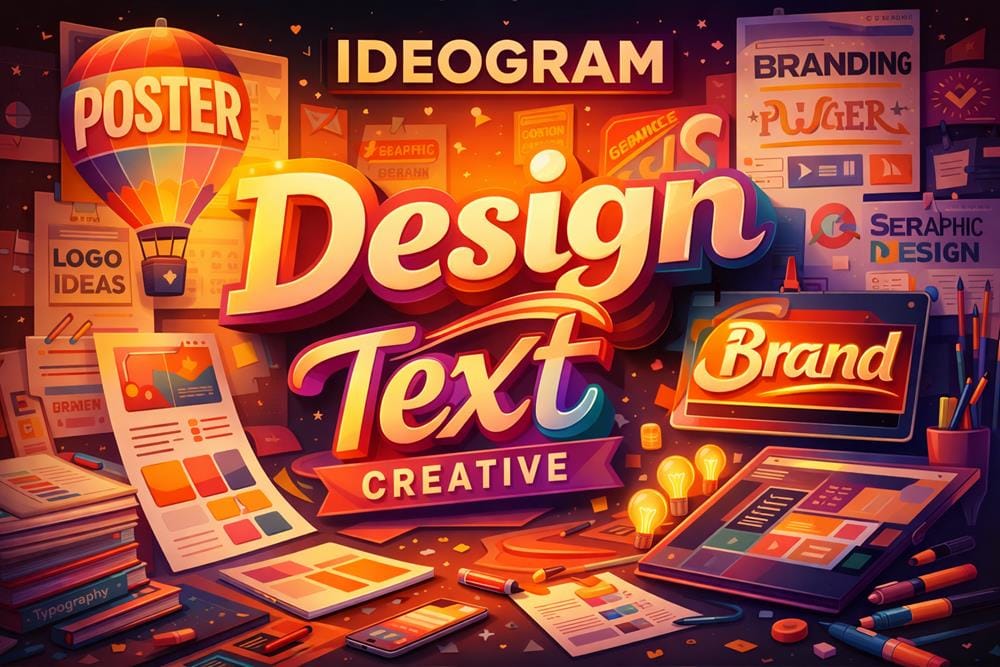
Ideogram is an AI image generation platform designed to create visually strong compositions with a particular focus on accurate text rendering within images. While many image generators struggle to produce readable or well-integrated text, this tool addresses that limitation by prioritizing clarity and placement of typography in generated visuals.
The platform allows users to generate images from text prompts, similar to other tools in the category, but it stands out in use cases where text is a core part of the design. This makes it especially relevant for branding, social media graphics, posters, and marketing assets where words and visuals need to work together.
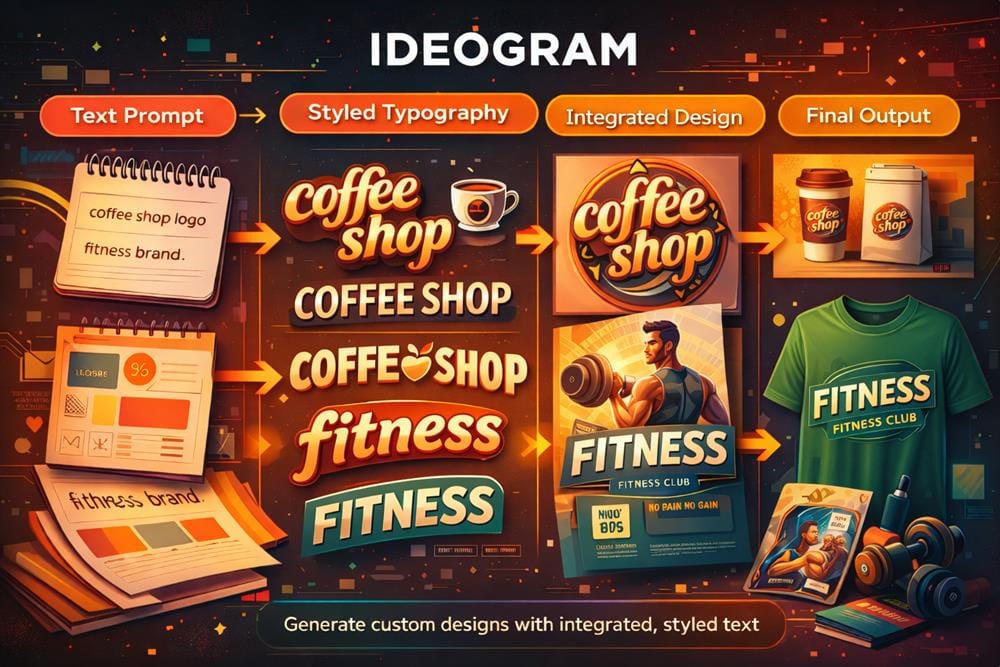
Users interact with the tool through prompt-based input, describing both the visual elements and any text they want included in the image. The system then generates multiple variations, allowing users to explore different layouts and styles. This iterative approach helps refine outputs without requiring traditional design software.
Another important aspect of the platform is its balance between usability and control. While it remains accessible to beginners, it also offers features such as style presets and variations that help guide the creative direction. These presets can be useful for quickly generating visuals that align with a particular aesthetic or use case.
The platform also includes basic editing capabilities through a canvas interface. This allows users to make adjustments to generated images, rather than relying entirely on prompts. While not as advanced as dedicated design tools, it provides enough flexibility for common tasks such as refining composition or adjusting elements.
In terms of output, the tool is well suited for creating visuals that combine imagery and text in a cohesive way. This is particularly useful for marketing and social content, where readability and design balance are important.
However, like other AI image generators, results may vary depending on prompt quality. Users may need to experiment with phrasing and structure to achieve the desired outcome. Additionally, for highly detailed or brand-specific designs, further refinement in external tools may still be necessary.
Overall, Ideogram positions itself as a practical solution for users who need to generate visually appealing images that include clear and well-integrated text, making it a strong option for content and design workflows.
Key Features
- Accurate text rendering in images – Generate visuals with readable and well-integrated typography.
- Text-to-image generation – Create images from prompts that combine visual elements and text.
- Canvas editing tools – Make adjustments and refinements directly within the platform.
- Style presets and variations – Explore different visual styles and generate multiple design options.
Pricing
The platform follows a freemium model, offering basic image generation and features at no cost, with paid plans providing higher limits and additional capabilities.
A free plan is available, allowing users to test the tool and generate images before upgrading.
Who Should Use This Tool
Ideogram is best suited for users who need to create visuals where text plays a central role in the design.
Brand designers can use the platform to generate logo concepts, typography-based visuals, and branded graphics. The ability to render text accurately makes it useful during early design exploration.
Social media creators may benefit from quickly generating posts, thumbnails, and promotional graphics that include captions or headlines directly within the image.
Marketers can use the tool to produce visual assets for campaigns, advertisements, and landing pages. It can help create variations of graphics that combine messaging with visuals.
Content creators and bloggers may use the platform to generate featured images or visual elements that include titles or key phrases, improving engagement and clarity.
Small businesses and entrepreneurs can use the assistant to create basic marketing materials without needing advanced design skills. The prompt-based workflow allows for quick production of visual content.
However, users who require highly detailed design control or strict brand consistency may still need to use traditional design tools alongside this platform. It is most effective for ideation and quick content creation rather than final production-level design.
Overall, the tool is most valuable for users who want to generate visuals that combine text and imagery in a simple and efficient way.
Final Verdict
Ideogram performs well as an image generation platform focused on integrating text into visuals. Its strength lies in producing readable typography within images while maintaining balanced compositions, making it particularly useful for marketing and content creation tasks.
Brand designers, marketers, and content creators who need text-based visual assets are the users most likely to benefit from this platform.