
Overview
Notion AI is an integrated AI assistant built directly into the Notion workspace, designed to help users write, summarize, search, and organize information across documents and databases. Instead of functioning as a standalone tool, it enhances an existing productivity environment, making it particularly useful for users already working within Notion.
The platform is structured around improving everyday workflows. Users can generate content, rewrite text, or summarize notes without leaving their documents. This integration reduces context switching and allows AI assistance to become part of regular work processes rather than a separate step.
One of the key strengths of the assistant is its ability to operate within context. It can analyze the content inside a page or database and provide relevant outputs, such as summaries, action items, or rewritten sections. This makes it especially useful for managing meeting notes, internal documentation, or knowledge bases.
Another important capability is workspace-wide search and Q&A. Users can ask questions about their own content, and the assistant retrieves relevant information from across their Notion workspace. This helps teams and individuals find information faster, especially in large or complex setups.
The platform also supports structured data workflows. Through database autofill features, users can generate or complete entries automatically, which can save time when managing repetitive data such as project updates, CRM entries, or content planning tables.
Because it is embedded within a broader productivity system, the assistant is less focused on standalone content generation and more on enhancing organization and efficiency. It works best when used alongside existing notes, documents, and databases.
As with most AI tools, outputs should be reviewed for accuracy and clarity. While it can help automate routine tasks, users still need to ensure that generated content aligns with their intent and context.
Overall, Notion AI positions itself as a practical productivity assistant that enhances writing, organization, and information retrieval within a unified workspace.
Key Features
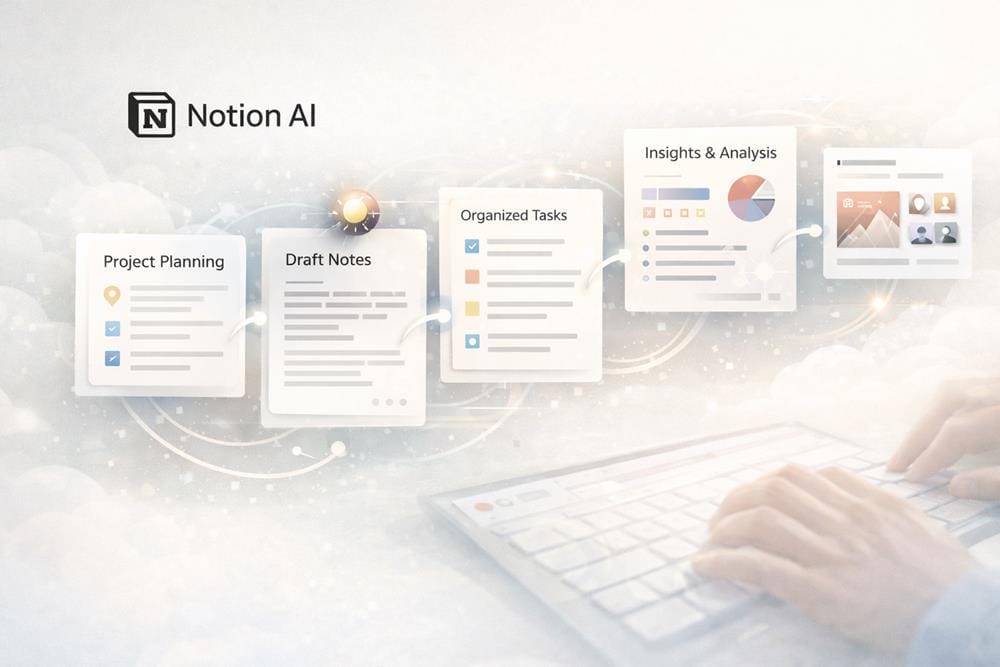
- Writing and rewriting help – Generate, edit, and refine content directly inside documents.
- Summaries and Q&A – Summarize notes and answer questions based on workspace content.
- Workspace search across content – Retrieve information from documents and databases using natural language queries.
- Database autofill support – Automatically generate or complete structured data entries.
Pricing
The platform follows a freemium model, where basic Notion features are available for free and AI capabilities are typically included as a paid add-on or within higher-tier plans.
A free plan is available, allowing users to access the core workspace before enabling AI features.
Who Should Use This Tool
Notion AI is best suited for users who already rely on Notion for organizing work and want to enhance their productivity with AI assistance.
Knowledge workers are one of the primary audiences. They can use the assistant to manage documents, summarize information, and retrieve insights across their workspace more efficiently.
Teams and organizations may benefit from using the tool to maintain shared knowledge bases, streamline documentation, and improve collaboration. The Q&A and search features can help teams access information quickly.
Students can use the platform to organize notes, summarize study materials, and generate outlines for assignments. It can support both learning and content structuring.
Project managers and operations teams may find value in database autofill and structured workflows. These features can help automate repetitive tasks and maintain consistent records.
Content creators and writers can use the assistant to draft, edit, and refine content within their workspace, especially when managing multiple projects or documents.
However, users who are not already using Notion may find less value in the tool, as its strengths are closely tied to the Notion ecosystem. It is designed to enhance existing workflows rather than function as a standalone AI platform.
Overall, the tool is most valuable for individuals and teams who want to combine AI assistance with structured knowledge management.
Final Verdict
Notion AI performs well as an integrated productivity assistant that enhances writing, organization, and information retrieval inside a unified workspace. Its ability to operate within context and across documents makes it particularly useful for managing knowledge and improving workflow efficiency.
Knowledge workers, teams, and students who already use Notion are the users most likely to benefit from this platform.